How to Use Yatelo eSIM for Seamless Travel Connectivity in 2026
11/2/2026
How to Use Yatelo eSIM for Seamless Mobile Data Connectivity While Traveling
If you’re planning to travel and want to avoid swapping physical SIM cards or paying high roaming fees, using a Yatelo eSIM can be a game-changer. Yatelo offers instant activation of data plans in over 200 destinations without the hassle of inserting a physical SIM.
However, to get the most out of your Yatelo eSIM during your trip, you need to follow a clear step-by-step process and be aware of common pitfalls that can disrupt your mobile data connection abroad.
Understanding What Yatelo eSIM Offers and Compatibility
Yatelo eSIM is an embedded SIM solution designed for travelers who want affordable, instant mobile data access worldwide. Unlike traditional SIM cards, the eSIM is built into your device, allowing you to activate data plans remotely without physically changing cards.
What a Yatelo eSIM Plan Includes
Yatelo provides flexible data packages tailored for various countries. For example, you can purchase 1 GB of data valid for 7 days in countries like Turkey ($0.85), Singapore ($1.02), Italy ($1.04), Estonia ($1.04), and Romania ($1.04).
These prices are competitive and come with no roaming fees, which means you pay only for the data plan you choose.
The Yatelo eSIM service covers more than 200 destinations globally, making it suitable for multi-country trips or frequent travelers. The activation is instant, so you can set up your connection before departure or right upon arrival.
Checking Device Compatibility
Not every phone supports eSIM technology. To use a Yatelo eSIM, your device must be eSIM compatible.
This typically includes recent models of iPhone (XS and later), Google Pixel (3 and later), Samsung Galaxy S20 and newer, and some newer Huawei devices.
A common mistake is assuming all unlocked phones support eSIM — they don’t. I always start by verifying my phone’s model against the official list of supported devices on the Yatelo website or trusted sources.
Using an incompatible device means you won’t be able to activate or use the Yatelo eSIM at all, which can leave you without connectivity at a critical moment.
Step-by-Step Guide to Activating and Using Your Yatelo eSIM While Traveling
Getting your Yatelo eSIM up and running involves several precise steps. Missing one can cause activation failures or connectivity issues abroad.
Step 1: Purchase Your Yatelo eSIM Data Package
You begin by selecting a data package that fits your travel destination and duration. Since prices vary by country and plan length, check the current offers on platforms like MyBestSim, which ranks Yatelo as a top provider with a 4.2/5 rating and offers a 15% discount code MYBESTSIM for unlimited plans.
Step 2: Download the Yatelo eSIM App
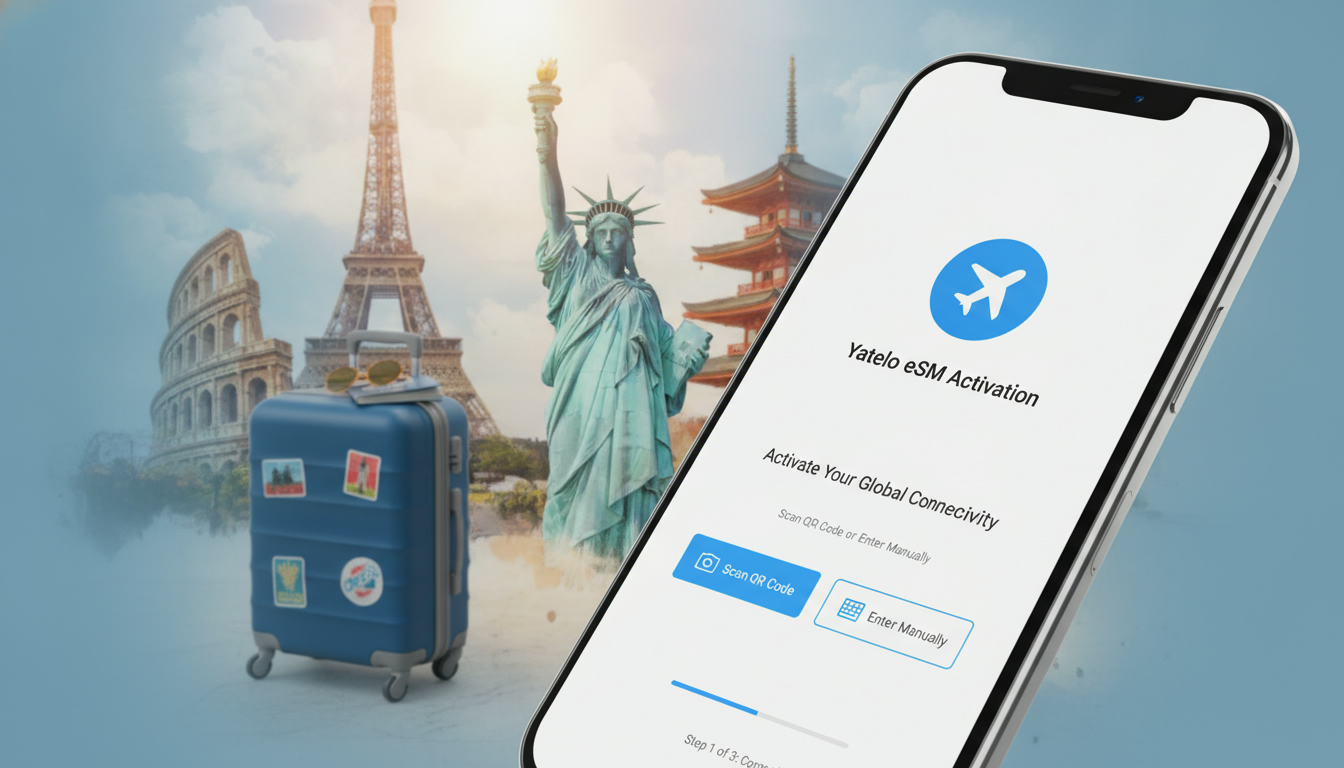
The Yatelo eSIM app is essential for managing your subscription and activating your plan. It allows you to scan the QR code or enter an activation code provided after purchase.
Step 3: Activate Your eSIM Before Departure or Upon Arrival
Activation timing matters. Activating too early might waste data if your trip is delayed; activating too late risks losing connectivity when you land.
I’d advise against activating the eSIM while connected to Wi-Fi networks that use captive portals (like airport Wi-Fi) because these can interfere with the activation handshake between your device and the operator’s server.
Step 4: Configure Your Device Settings Correctly
Once activated, ensure that:
- The new data plan is selected as the active cellular plan.
- Data roaming is enabled in your phone’s settings.
- Your physical SIM (if still inserted) does not override the eSIM settings unless intended.
A common pitfall here is neglecting to enable data roaming on the eSIM profile — this disables mobile data despite having an active plan.
Step 5: Monitor Your Data Usage
Yatelo plans are prepaid with fixed data limits and validity periods (e.g., 1 GB for 7 days). Once exhausted or expired, connectivity stops unless you renew or buy another package.
The app provides real-time usage stats; I always check this daily during travel to avoid unexpected cutoffs.
Common Pitfalls When Using Yatelo eSIM and How to Avoid Them
Travelers often encounter issues that could have been prevented with proper knowledge of how eSIMs work in practice.
Pitfall: Overlapping SIM Profiles Causing Conflicts
If your phone has multiple SIM profiles active (physical SIM plus one or more eSIMs), conflicts can arise where calls or data default to the wrong profile.
The mechanism here is that some phones prioritize physical SIMs over eSIMs unless explicitly configured otherwise, leading to no mobile data on the intended plan.
To prevent this, I always disable cellular data on my physical SIM when using a Yatelo eSIM abroad unless I want dual connectivity intentionally.
Pitfall: Lack of Network Coverage in Certain Areas
Yatelo relies on local network operators in each destination country. Some remote areas may have limited coverage depending on the local partner network’s reach.
This condition means that even with an active Yatelo plan, you might experience no signal or slow speeds in rural zones or underground locations like subways.
Planning ahead by checking the Yatelo eSIM coverage area map helps set realistic expectations about connectivity quality during your trip.
Pitfall: Activation Errors Due to Incorrect QR Code Scanning
The activation process requires scanning a QR code precisely once per device profile creation. Scanning multiple times or using outdated QR codes can cause errors like “activation failed” or “profile already installed.”
I always save my QR code securely after purchase and avoid rescanning unless instructed by customer support.
What Makes Yatelo Stand Out Among Other Travel eSIM Providers?
Yatelo’s key benefits include instant activation without physical SIM swaps, competitive pricing starting at under $1 per GB in many countries, and broad global coverage exceeding 200 destinations.
Their customer support is accessible through their app and website FAQs, providing guidance on troubleshooting common issues such as device compatibility checks and plan renewals.
For travelers who want to avoid roaming fees while maintaining reliable mobile data access, choosing a Yatelo eSIM subscription can simplify connectivity management significantly compared to juggling multiple physical SIM cards across countries.
If you want tips on how to save even more on travel data plans like those from Yatelo, I recommend reading my guide on how to use an eSIM promo code to save on travel data packages.
Managing Your Mobile Data Experience With The Yatelo App
The Yatelo eSIM app is more than just an activation tool; it’s your control center while traveling:
- It shows remaining data balance and validity period.
- Allows easy top-ups without needing new QR codes.
- Provides access to customer support chat for quick problem resolution.
- Lets you switch between multiple active plans if you travel across regions frequently.
One field observation from using such apps is that if you don’t regularly update it before traveling, cached information might cause sync delays with new plans purchased online — so always update the app version before departure.
Troubleshooting Tips From The Field
When facing connectivity issues with a Yatelo eSIM:
- Restart your phone after activation; some devices need this step for network registration.
- Verify APN settings match those recommended by Yatelo; incorrect APNs block mobile internet.
- If roaming doesn’t activate automatically, toggle airplane mode off/on to force network re-registration.
- Check if any VPN apps interfere with network access; temporarily disabling them often restores connectivity.
These practical gestures come from understanding how embedded SIM provisioning works under GSMA specification SGP.22 governing remote SIM provisioning standards — knowing this helps troubleshoot beyond generic advice.
FAQ
What devices are compatible with Yatelo eSIM?
Yatelo eSIM works with recent devices like iPhone XS and later, Google Pixel 3 and newer, Samsung Galaxy S20 and above, and some Huawei models. Always check your phone’s compatibility on Yatelo’s official site before purchasing to avoid activation issues.
How do I activate my Yatelo eSIM before traveling?
After purchasing a data plan, download the Yatelo app and scan the provided QR code to activate. Avoid activating on captive portal Wi-Fi networks like airports to prevent errors. Activation can be done before departure or upon arrival for best results.
What should I do if my Yatelo eSIM data stops working abroad?
First, ensure data roaming is enabled and the Yatelo plan is selected as active. Restart your phone, check APN settings, and toggle airplane mode if needed. If problems persist, verify network coverage in your area or contact Yatelo support via their app.
Can I use Yatelo eSIM alongside my physical SIM card?
Yes, but conflicts may occur if both SIMs are active. To avoid connectivity issues, disable cellular data on your physical SIM when using Yatelo eSIM unless you want dual connectivity. Proper device settings prevent data from defaulting to the wrong SIM.
How does Yatelo eSIM pricing compare to traditional roaming fees?
Yatelo offers competitive pricing starting under $1 per GB in many countries with no roaming fees. This makes it more affordable than traditional roaming plans, especially for travelers visiting multiple destinations or needing short-term data access.

Hannah Muller
Hannah is a travel-savings writer. At eSIM Coupon Code she tracks verified eSIM coupons so travellers pay less for mobile data worldwide.