How to Use Quibity eSIM for Travel with Real Tips and Pitfalls
10/30/2026
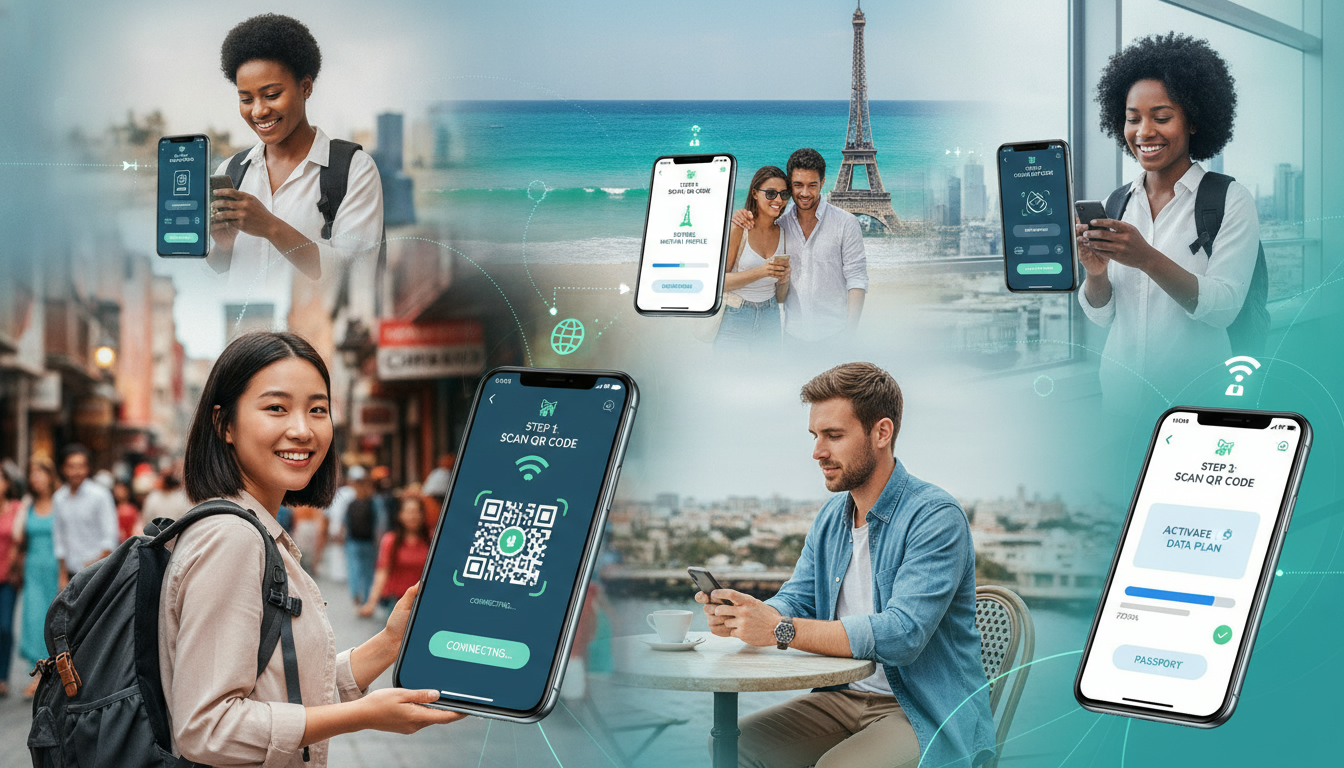
How to Use Quibity eSIMs Effectively: A Practical Guide for Travelers
When planning international travel, the hassle of swapping physical SIM cards or facing unpredictable roaming charges can be a real headache. Quibity eSIM offers a digital alternative that promises quick activation and flexible data plans without the need for a physical card.
But how do you actually use a Quibity eSIM effectively? I always start by understanding the activation process and device compatibility because missing these steps can lead to wasted time or connectivity issues abroad.
In this guide, I’ll walk you through the essential steps to purchase, install, and manage your Quibity eSIM, highlighting common pitfalls travelers face and how to avoid them. This is not just theory—I’ll explain the practical mechanisms behind each step so you can travel connected with confidence.
Understanding Quibity eSIM: What It Is and How It Works
Quibity eSIM is a virtual SIM card service that allows you to connect your phone to mobile networks without inserting a physical SIM. Instead, the SIM profile is downloaded directly onto your device, enabling data access in multiple countries.
What Devices Support Quibity eSIM?
Not all phones support eSIM technology. A Quibity eSIM compatible device must have an embedded SIM chip and support remote SIM provisioning according to the GSMA specification SGP.22.
Popular models include:
- iPhone XS and later
- Google Pixel 3 and later
- Samsung Galaxy S20 and newer models with eSIM support
If your device lacks this feature, you cannot use Quibity eSIM, which is a common trap for first-time users who assume any smartphone will work.
The Benefits of Quibity eSIM Technology
The main advantage lies in convenience: no physical card swapping means you can activate your data plan within minutes after arrival or even before leaving home. Quibity’s app lets you choose your destination and data volume, activating your virtual SIM instantly.
This avoids roaming fees and the need to hunt for local SIM cards.
A key mechanism here is the remote provisioning system governed by GSMA SGP.22, which securely downloads your profile over the air. This ensures your data plan activates without manual intervention beyond scanning a QR code or confirming via the app.
Step-by-Step Guide to Purchasing and Activating Your Quibity eSIM
Step 1: Verify Device Compatibility and Prepare Your Phone
Before purchasing, check if your phone supports eSIM profiles. I always advise against buying an eSIM blindly because some phones allow only one active profile at a time—meaning if you don’t delete an old profile, activation will fail or cause network conflicts.
To verify compatibility:
- Go to your phone’s settings under Cellular or Mobile Data.
- Look for “Add Cellular Plan” or “Add eSIM.”
- If this option is missing, your device likely doesn’t support eSIM.
Step 2: Purchase Your Quibity eSIM Data Plan
Quibity offers various data plans tailored by destination and duration. You select your country of travel and desired data volume via their app or website.
The activation process typically takes under 3 minutes after purchase.
Be cautious about selecting plans: some destinations have regional restrictions or limited coverage zones within countries. For example, urban areas may have full LTE coverage while rural zones might only support 3G or none at all.
Step 3: Activate Your Quibity eSIM on Your Device
Once purchased, activation involves scanning a QR code or using an activation link provided by Quibity. The steps are:
- Open your phone’s cellular settings.
- Select “Add Cellular Plan.”
- Scan the QR code from Quibity.
- Confirm activation and assign the plan as primary or secondary line if dual SIM capable.
A common mistake is over-tightening settings like assigning the plan as primary without considering existing carrier profiles; this can cause conflicts leading to no data connection.
The sign that it worked is seeing signal bars from the new carrier in your status bar within minutes.
Step 4: Manage Your Data Usage and Recharges
Quibity’s app allows you to monitor consumption in real time and recharge when needed without reinstalling profiles. This flexibility prevents unexpected disconnections during travel.
I’ve noticed that users often neglect checking their remaining data until they lose connection—setting up usage alerts in the app helps avoid this pitfall.
Common Pitfalls When Using Quibity eSIMs and How to Avoid Them
Pitfall 1: Device Incompatibility Leading to Activation Failure
If your device doesn’t fully support remote provisioning per GSMA SGP.22 standards, activation will fail silently or cause intermittent connectivity issues. Always check compatibility before purchase.
Pitfall 2: Overlapping Profiles Causing Network Conflicts
Phones with multiple active profiles sometimes prioritize the wrong one automatically. This results in no data connection despite successful installation.
The fix is manually disabling unused profiles in cellular settings.
Pitfall 3: Choosing Incorrect Data Plans for Your Travel Needs
Some travelers pick plans with insufficient data volume or coverage areas that don’t match their itinerary. Since Quibity’s plans vary by destination specifics, it’s crucial to review coverage maps carefully before buying.
Pitfall 4: Ignoring Security Features of Quibity eSIM
Quibity employs encryption during profile download and uses authentication protocols compliant with GSMA standards to protect user data from interception—a critical feature often overlooked by users who share devices or use public Wi-Fi networks abroad.
Real Traveler Example: Using Quibity eSIM on a European Trip
Imagine Sarah, who planned a two-week trip across France, Italy, and Spain. She started by confirming her iPhone 12 supported eSIM profiles under GSMA SGP.22 standards—a necessary step since older phones don’t handle multiple profiles well.
Sarah purchased a multi-country European data plan through Quibity’s app, selecting 5 GB valid for 14 days before departure. She activated her plan by scanning the QR code two days before flying out—this pre-activation avoided last-minute airport stress.
During her trip, Sarah monitored her usage via the app daily and recharged once when she ran low on data in Italy without needing to visit a store or swap cards physically.
Her main challenge was ensuring she disabled her home carrier’s profile temporarily; otherwise, her phone would default back to roaming rates unknowingly—a trap I’d advise every traveler to avoid by checking cellular settings carefully before departure.
Comparing Quibity with Traditional Physical SIM Cards for International Travel
| Feature | Quibity eSIM | Physical SIM Card |
|---|---|---|
| Activation Time | Under 3 minutes via app | Can take hours including store visits |
| Device Compatibility | Limited to devices supporting GSMA SGP.22 | Works with any unlocked phone |
| Coverage Flexibility | Multi-country plans available | Usually country-specific |
| Security Features | Encrypted remote provisioning | Physical card can be lost or stolen |
| Data Management | Real-time monitoring & easy recharge | Requires manual top-up |
| Cost Efficiency | Avoids roaming fees; competitive pricing | May involve expensive roaming or local SIM |
This table highlights why I consider Quibity ideal for travelers who prioritize convenience and security over universal device compatibility.
Where to Find Reliable Support and Additional Resources on Quibity eSIMs
Quibity offers customer support accessible through their app interface for troubleshooting activation issues or billing questions. However, responses may vary depending on demand; therefore, preparing by reading official setup guides is essential.
For detailed installation instructions tailored to your device model, consult Quibity’s official setup guide. Additionally, managing costs effectively can be enhanced by using verified promo codes; I recommend checking out how to use an eSIM promo code for savings on travel data plans.
By integrating these resources into your preparation routine, you minimize risks of connectivity loss during critical travel moments.
Using a Quibity eSIM means embracing a new way of staying connected abroad—one that demands attention to device compatibility, careful plan selection, and proactive management of profiles on your phone. But once these steps are mastered, it offers unmatched flexibility compared to traditional SIM cards for international travelers like yourself preparing for hassle-free trips worldwide.
FAQ
Which devices are compatible with Quibity eSIM?
Quibity eSIM works on devices with embedded SIM chips supporting GSMA SGP.22 remote provisioning, such as iPhone XS and later, Google Pixel 3 and newer, and Samsung Galaxy S20 or newer. Phones without eSIM support cannot use Quibity eSIM.
How do I activate a Quibity eSIM on my phone?
After purchasing a plan, activate your Quibity eSIM by scanning the QR code in your phone’s cellular settings under 'Add Cellular Plan.' Confirm activation and assign the plan as primary or secondary if your device supports dual SIM.
What are common mistakes when using Quibity eSIMs?
Common errors include using incompatible devices, overlapping multiple active profiles causing conflicts, selecting wrong data plans for your travel area, and ignoring security features like encrypted provisioning.
Can I manage my data usage with Quibity eSIM easily?
Yes, Quibity’s app allows real-time monitoring of data consumption and easy recharges without reinstalling profiles. Setting usage alerts helps avoid unexpected disconnections during travel.
How does Quibity eSIM compare to traditional SIM cards?
Quibity eSIM offers faster activation, multi-country plans, encrypted security, and real-time data management, unlike physical SIM cards that require manual swaps and may incur roaming fees. However, it requires compatible devices.

Hannah Muller
Hannah is a travel-savings writer. At eSIM Coupon Code she tracks verified eSIM coupons so travellers pay less for mobile data worldwide.