how to activate an esim for iphone 13 in 2026
6/16/2026
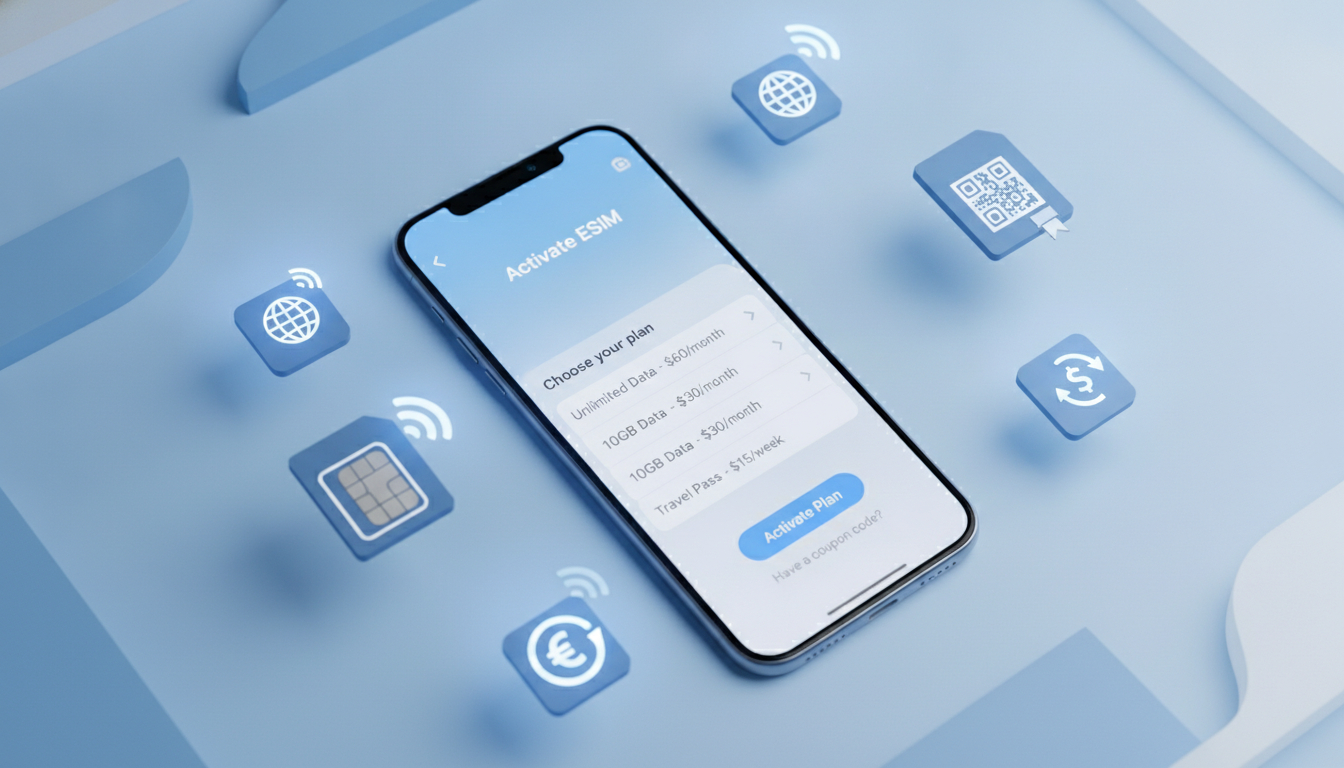
In short, what you'll discover in this article: How to activate and use the esim iphone 13 with clear step-by-step instructions, the benefits over physical SIM cards, compatible carriers, and tips for managing multiple lines and roaming costs.
1. Introduction — Why eSIM on iPhone 13?
The esim iphone 13 offers a modern way to connect your device without relying solely on physical SIM cards. It simplifies switching carriers, supports dual SIM functionality, and is especially handy for frequent travelers who want to avoid swapping SIM cards.
Understanding why the iPhone 13 supports eSIM helps you unlock its full potential.
2. What is eSIM and How Does It Work? (Simple Explanation)
An eSIM (embedded SIM) is a digital SIM embedded inside your iPhone 13’s hardware. Unlike a traditional physical SIM card, it stores your carrier information electronically.
This means you can activate cellular plans without inserting a physical card, making it easier to switch plans or add multiple lines.
3. Compatibility — iPhone 13 Models (mini/13/Pro/Pro Max) by Region
All iPhone 13 variants—including mini, standard, Pro, and Pro Max—support eSIM technology. However, regional differences affect how many eSIMs you can use simultaneously. For example:
- In the US, iPhone 13 supports dual eSIMs.
- In Europe and other regions, one physical SIM plus one eSIM is common.
Knowing your model’s compatibility ensures you can plan your cellular setup accordingly.
4. Advantages and Disadvantages of eSIM vs Physical SIM
Advantages:
- No need to physically swap cards.
- Supports multiple cellular plans on one device.
- Easier to manage travel data plans.
- Saves space inside the phone for other components.
Disadvantages:
- Some carriers may not support eSIM yet.
- Activation can be confusing without clear instructions.
- Transferring eSIMs between devices may require extra steps.
5. Preparing Your iPhone 13 Before Activation
5.1 Check Carrier Unlock Status
Ensure your iPhone 13 is unlocked or compatible with the carrier you plan to use for the eSIM. Locked phones restrict which networks can be activated.
5.2 Backup and Network Connection Required
Before activating an eSIM, back up your data and connect to Wi-Fi or cellular data to download carrier settings smoothly.
6. Step-by-Step Guide to Activate an eSIM on iPhone 13
6.1 Activation via QR Code (Detailed Steps)
- Open Settings > Cellular > Add Cellular Plan.
- Scan the QR code provided by your carrier.
- Follow on-screen prompts to label your plan and set default options.
- Confirm activation; your cellular service should start shortly.
6.2 Activation via Carrier App
Some carriers offer apps that let you purchase and activate an eSIM directly:
- Download your carrier’s app from the App Store.
- Purchase or select an existing plan.
- Follow app instructions to install the eSIM profile on your iPhone.
6.3 Automatic Activation via Carrier (eSIM Provisioning)
Certain carriers support automatic provisioning:
- When inserting a physical SIM or connecting to Wi-Fi, your iPhone may detect available eSIM plans.
- Follow prompts to activate without scanning QR codes or using apps.
6.4 Transferring an eSIM from Another iPhone (Specific Procedure)
If upgrading from an older iPhone with an active eSIM:
- On the old device, go to Settings > Cellular > Transfer Cellular Plan.
- Follow prompts on both devices to securely transfer the plan.
- Confirm activation on your new iPhone 13.
7. Managing Multiple Lines (Dual SIM) on iPhone 13
7.1 Call/Data Priority Settings
You can assign default lines for calls, messages, and data:
- Go to Settings > Cellular > Default Voice Line.
- Choose which line handles cellular data under Cellular Data settings.
7.2 Switching Between Lines for Mobile Data
Easily switch mobile data usage between lines without removing any SIM:
- Open Settings > Cellular.
- Tap Cellular Data and select the preferred line.
8. Compatible Carriers and Recommended Offers (France / EU / International)
The esim iphone 13 works with many global carriers supporting eSIM technology including major providers in France and across Europe as well as international travel-focused services like Holafly or Airalo.
For affordable mobile data plans with verified discount codes, check out best promo codes for cheap travel eSIMs in 2024.
9. Roaming and Costs — Tips for Traveling with an eSIM
Using an eSIM abroad can reduce roaming fees by allowing you to buy local data plans instantly without swapping physical cards.
Tips include:
- Purchase local or regional plans before traveling.
- Use dual SIM features to keep your home number active while using local data.
- Monitor data usage carefully to avoid unexpected charges.
10. Troubleshooting — Common Errors and Solutions
10.1 eSIM Not Detected / Activation Failed
- Restart your iPhone.
- Ensure Wi-Fi or cellular connection is stable.
- Verify QR code validity or carrier app status.
10.2 iOS Error Messages Related to eSIM
Common messages like “Cannot Activate Cellular Plan” often require contacting your carrier or updating iOS software.
11. Security and Privacy of eSIM on iPhone 13
The embedded nature of the esim iphone 13 enhances security by reducing risks of physical SIM theft or cloning. Apple encrypts all carrier profiles stored on the device, protecting user privacy effectively.
12. Short FAQ (Common User Questions)
-
Can I use two active eSIMs at once?
Yes, depending on region; US models support dual eSIMs simultaneously. -
Does using an eSIM affect battery life?
No significant difference compared to physical SIM usage. -
Can I switch carriers easily?
Yes, switching is often as simple as scanning a new QR code or installing a new profile via app.
13. Conclusion and Call to Action
The esim iphone 13 unlocks flexible connectivity options that enhance convenience and travel readiness. Check your carrier compatibility today and activate your first eSIM using this guide for seamless mobile data access!
com/blog/esim-aktionscode).
Hannah Muller
Hannah is a travel-savings writer. At eSIM Coupon Code she tracks verified eSIM coupons so travellers pay less for mobile data worldwide.