How to Choose and Use the Best eSIM for Bolivia in 2026
10/29/2026
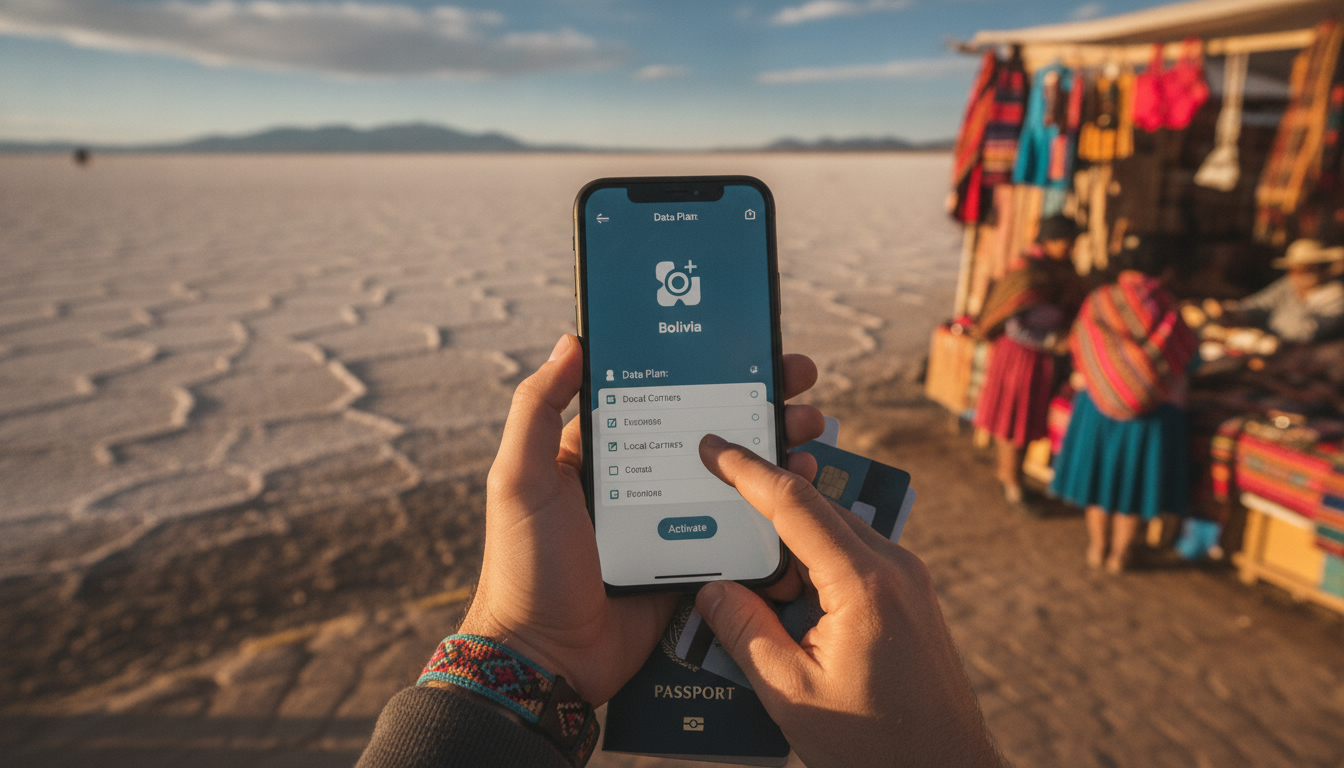
How to Choose and Use the Best eSIM for Bolivia: A Practical Traveler’s Guide
When you land in Bolivia, the last thing you want is to scramble for a local SIM card or get hit with sky-high roaming fees. The best eSIM for Bolivia offers a hassle-free way to stay connected with affordable data, reliable coverage, and quick activation.
I always start by comparing providers known for solid service in Bolivia, because poor connectivity can turn a smooth trip into a frustrating one. Let me walk you through the steps to pick, activate, and use your eSIM effectively, plus some pitfalls to avoid based on what seasoned travelers have learned.
What Makes an eSIM Work Well in Bolivia?
Bolivia’s geography includes high-altitude cities like La Paz (3,650 meters) and remote spots like Uyuni Salt Flats, so coverage quality varies widely. The best eSIM providers partner with local networks that cover both urban centers and tourist hotspots.
For example, Saily is praised for its partnerships with multiple local carriers, ensuring broad coverage even in less populated areas.
A key field observation: if you rely solely on an international eSIM without local network partnerships, you risk losing signal in rural zones where Bolivia’s terrain blocks satellite or roaming signals. This happens because roaming agreements often prioritize urban coverage, leaving gaps elsewhere.
That’s why the most reliable eSIMs for Bolivia are those that operate on local networks directly.
Another technical point is that Bolivia’s 4G LTE bands include Band 28 (700 MHz) and Band 3 (1800 MHz). An eSIM provider must support these bands to deliver fast data speeds.
If your chosen eSIM doesn’t support these frequencies, you’ll notice slower connections or frequent drops, especially outside major cities.
Step 1: Selecting the Best eSIM Provider for Your Bolivia Trip
Choosing the best eSIM for Bolivia involves balancing price, coverage, ease of activation, and data plans tailored for tourists.
Key Criteria to Compare
- Coverage Quality: Does the provider partner with local carriers covering La Paz, Santa Cruz, Sucre, and tourist destinations like Uyuni?
- Data Plans: Are there prepaid options with flexible durations (daily to monthly) that suit your travel length?
- Activation Process: Can you activate your eSIM remotely before arrival? Is the process straightforward without needing extra apps or complicated QR codes?
- Price Transparency: Are prices clear upfront? Beware of hidden fees or data throttling after certain thresholds.
- Customer Support: Is support available in English? This matters if you run into issues while traveling.
Popular Providers Travelers Recommend
While I won’t list prices here—those fluctuate seasonally and by plan—you can find detailed comparisons on MyBestSim, which ranks providers based on real user feedback and verified offers.
Some top contenders include:
| Provider | MyBestSim Rank | Rating | Promo Code | Discount |
|---|---|---|---|---|
| LinkeSIM | 4 | 4.5 | MYBESTSIM | -5% unlimited |
| Simbye | 5 | 4.3 | MYBESTSIM | -20% unlimited |
| BNESIM | 6 | N/A | MYBESTSIM | -30% unlimited |
| Yatelo | 12 | 4.2 | MYBESTSIM | -15% unlimited |
| Holafly | 13 | N/A | MYBESTSIM | -5% unlimited |
| eSIMo | 14 | 4.0 | MYBESTSIM | -20% unlimited |
I’d advise against picking an unknown provider without verified reviews because activation issues or poor coverage can leave you offline at critical moments.
Step 2: How to Buy and Activate Your Bolivia eSIM
Buying an eSIM for Bolivia is mostly digital but requires attention to detail during activation.
Buying Your eSIM
- Purchase your chosen plan online before departure to avoid last-minute hassles.
- Confirm that your phone supports eSIM technology (most iPhone models from XS onward and many Android phones do).
- Check if the provider offers a free trial or sample data plan; GigSky provides a free trial data plan for Bolivia that lets you test coverage before committing.
Activation Process
- Receive QR Code or Activation Link: After purchase, the provider sends a QR code or link.
- Scan or Enter Details: On your phone’s cellular settings, add a new cellular plan by scanning the QR code or entering details manually.
- Set Data Preferences: Assign your eSIM as primary or secondary line depending on your needs.
- Enable Data Roaming: For some providers, enabling data roaming is necessary even though it’s local service.
- Restart Your Device: This step ensures proper network registration.
A common mistake is activating the eSIM too early before arrival in Bolivia; some plans only activate once you enter the country’s network area. Activating prematurely can lead to wasted data days or invalid plans.
Also, watch out for dual-SIM management quirks: if your physical SIM is still active with roaming enabled, it might interfere with your eSIM connection by prioritizing the wrong network.
Step 3: Managing Your Data and Avoiding Pitfalls During Your Trip
Once your eSIM is active in Bolivia, managing data usage efficiently is crucial.
Monitor Data Usage Closely
Many prepaid plans throttle speeds after reaching their data cap rather than cutting off service entirely. For instance, some providers reduce speeds to under 128 kbps after exceeding limits—a frustrating experience if you rely on maps or messaging apps.
I always recommend setting up alerts on your phone to notify when you reach about 80% of your data allowance; this helps avoid unexpected slowdowns.
Coverage Variations by Location
In cities like La Paz and Santa Cruz de la Sierra, LTE coverage is robust thanks to infrastructure investments by Bolivian carriers like Entel and Tigo. However, in remote areas such as the Salar de Uyuni or parts of Potosí Department, expect intermittent connectivity mainly on 3G bands.
This happens because Bolivia’s mountainous terrain blocks signals at higher altitudes or valleys where towers are sparse. Travelers should plan offline maps and download essential content beforehand when heading into these zones.
Battery Drain Considerations
Using an eSIM often involves constant network searching if signal strength fluctuates. This increases battery consumption compared to stable Wi-Fi connections.
To mitigate this:
- Turn off mobile data when not needed.
- Use airplane mode selectively when offline.
- Carry a portable charger if exploring remote areas extensively.
Real Traveler Tips: What I’ve Learned About Using an eSIM in Bolivia
- Always check if your device supports multiple active SIM profiles; some phones deactivate one SIM when another activates.
- If you switch between physical SIMs and eSIMs frequently during travel preparation, be aware that some phones require resetting network settings to avoid conflicts.
- Some providers’ apps offer real-time top-ups without needing a new QR code; this saves time when extending your stay.
- The GSMA specification SGP.22 governs remote provisioning of eSIMs globally; ensure your provider complies with this standard for smooth activation and security.
For travelers looking to save even more on their data plans in Bolivia, I recommend exploring verified coupon codes from trusted sources like eSIM Coupon Code’s guide on using promo codes. These codes can reduce costs significantly without compromising service quality.
Troubleshooting Common Issues With Bolivia eSIMs
No Signal After Activation
If your phone shows no signal post-activation:
- Confirm airplane mode is off.
- Check if data roaming is enabled—some providers require this setting even on local networks.
- Restart your device again after activation.
- Verify that your phone supports Bolivian LTE bands (especially Band 28).
Data Not Working Despite Signal
This usually indicates APN (Access Point Name) settings are incorrect or missing:
- Manually enter APN details provided by your eSIM provider.
- Some phones auto-configure APN upon activation; if not, consult provider support.
Unexpected Charges or Plan Expiry
Prepaid plans often have strict validity periods starting from activation time:
- Avoid activating too early before arrival.
- Track expiry dates carefully; some plans expire within days even if data remains unused.
If unsure about any step during purchase or activation, reach out directly to customer support—providers like Holafly offer multilingual assistance tailored for tourists.
By following these steps carefully—selecting a reliable provider with good local partnerships, activating at the right time using proper settings, and managing data smartly—you’ll stay connected throughout Bolivia without surprises. Remember that terrain and network compatibility are decisive factors affecting performance here; no single solution fits all scenarios perfectly but choosing wisely minimizes risks significantly.
For more tips on saving money while buying travel data plans abroad using promo codes verified by MyBestSim experts, check out the best promo codes for cheap travel data.
FAQ
How do I activate an eSIM for Bolivia before arrival?
You can activate your Bolivia eSIM remotely by scanning the QR code or entering the activation link on your phone. However, avoid activating it too early, as some plans only start once you enter Bolivia’s network area to prevent wasted data or invalid plans.
Which local networks do the best Bolivia eSIMs use?
Top eSIM providers partner with local carriers like Entel and Tigo, ensuring strong coverage in cities such as La Paz and Santa Cruz. These partnerships help maintain reliable service even in tourist hotspots and some rural areas.
What should I check to ensure my phone supports Bolivia eSIMs?
Confirm your phone supports eSIM technology (most iPhones XS and newer, plus many Androids). Also, verify it supports Bolivia’s LTE bands 28 (700 MHz) and 3 (1800 MHz) for optimal data speeds and connectivity.
How can I avoid data throttling with Bolivia eSIM plans?
Monitor your data usage closely and set alerts at around 80% of your allowance. Many prepaid plans slow speeds after the cap instead of cutting off service, so managing usage helps maintain good performance throughout your trip.
What are common issues when using an eSIM in Bolivia?
Common problems include no signal due to airplane mode or missing data roaming settings, incorrect APN configurations causing data failures, and plan expiry from early activation. Restarting your device and contacting provider support usually resolves these.

Hannah Muller
Hannah is a travel-savings writer. At eSIM Coupon Code she tracks verified eSIM coupons so travellers pay less for mobile data worldwide.